The Guide to EHR HIPAA Compliance: Protecting Your Practice in 2026
23 Feb 2026 By: Vlade Legaspi
Updated
EHR HIPAA compliance means your electronic health records meet HIPAA privacy and security requirements so patient data stays protected. It’s a shared responsibility between your practice and your EHR vendor, and it covers technical, administrative, and physical safeguards. For example, you should use encryption and multi-factor authentication, train staff not to share logins, and control who can access devices and server rooms.
Why We Can’t Ignore EHR HIPAA Compliance Anymore?
The shift from paper charts to digital records was supposed to make our lives easier. In many ways, it did. But it also opened a giant digital door for hackers and accidental leaks. Achieving EHR HIPAA compliance is the only way to ensure that that door stays locked.
Think of your Electronic Health Record (EHR) as a digital vault. Inside that vault is the most sensitive information a person can share. If that vault isn’t built to standard, you’re not just risking a fine; you’re risking the reputation you’ve built over years of patient care.
Key Takeaways
1.) It is a shared responsibility, EHR vendors help, but healthcare providers must enforce policies and safeguards.
2.) Three core pillars of compliance:
- Technical (How): Encryption, audit logs, automatic log-offs
- Administrative (Who): Risk assessments, staff training, vendor agreements (BAAs)
- Physical (Where): Secure facilities, protected workstations, proper device disposal
3.) Human error is a major risk, making staff training and awareness critical.
4.) Common myths are dangerous:
- Vendors don’t handle everything
- Small practices are still prime targets for cyberattacks
5.) Simple actions improve compliance:
- Assign a security officer
- Enable multi-factor authentication (MFA)
- Review vendor agreements
- Run regular audits
- Keep systems updated
6.) Non-compliance costs more than money, it can permanently damage patient trust and your reputation.
7.) Growing interoperability increases risk, making strong, ongoing compliance efforts even more important.
8.) Compliance is a continuous process, not a one-time task, small, consistent improvements matter.
9.) Ultimately, HIPAA compliance is about trust, ensuring patients feel safe sharing their most sensitive information.
The Three Pillars You Need to Know
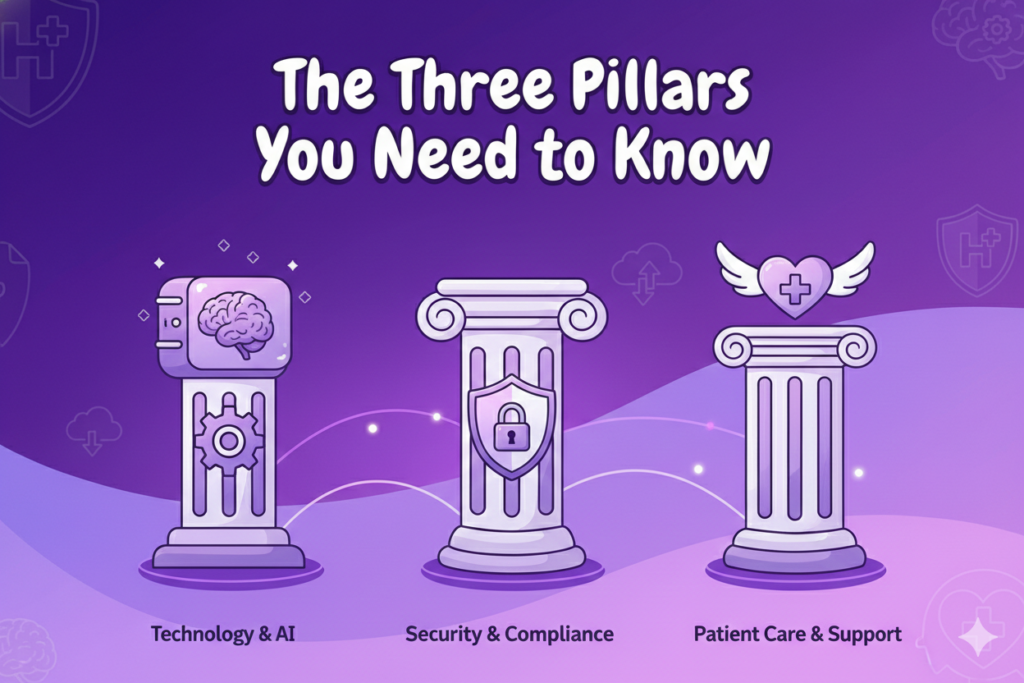
When we talk about EHR HIPAA compliance, we usually break it down into three main categories of safeguards. I like to think of these as the “Who, Where, and How” of data protection.
1. Technical Safeguards (The “How”)
These are the digital locks. If your software doesn’t have these, you’re essentially leaving your vault wide open.
- Encryption: Data must be encrypted both “at rest” (sitting on your server) and “in transit” (moving from your computer to a lab or another doctor).
- Audit Controls: You need to know exactly who looked at what file and when. If there’s ever a question of a breach, these logs are your best friend.
- Automatic Log-offs: We’ve all been there, you get pulled away for an emergency and leave your screen on. Systems must be set to log off after a period of inactivity.
2. Administrative Safeguards (The “Who”)
This is where the human element comes in. This is often the hardest part of EHR HIPAA compliance to maintain because it requires constant vigilance and training.
- Risk Analysis: You have to look at your practice at least once a year and ask, “Where are we vulnerable?”
- Training: Your staff needs to know that “password123” isn’t a password and that sharing login IDs is a major no-no.
- Business Associate Agreements (BAAs): If you use a third-party vendor for IT or billing, they must sign a contract agreeing to follow the same rules you do.
3. Physical Safeguards (The “Where”)
Sometimes we get so caught up in the “cyber” stuff that we forget the physical world.
- Facility Access: Who can walk into your server room? Is it locked?
- Workstation Security: Are screens positioned so that patients in the waiting room can’t see private data?
- Device Disposal: When you get a new computer, you can’t just throw the old one in the trash. It has to be wiped clean by a professional.
What are the Common Myths About EHR HIPAA Compliance?
I hear a lot of “advice” in the hallways that frankly makes my skin crawl. Let’s clear up a few things.
Myth: My EHR vendor takes care of everything. This is a dangerous one. While many vendors provide a “HIPAA-ready” platform, EHR HIPAA compliance is a shared responsibility. If your staff leaves their passwords on a sticky note on the monitor, your vendor’s fancy encryption won’t save you.
Myth: Small practices are too small to be targeted. Actually, hackers love small practices. Why? Because they assume (often correctly) that smaller offices haven’t invested enough in EHR HIPAA compliance. You might not be a huge hospital system, but your data is just as valuable on the dark web.
My Checklist for Staying on the Right Side of the Law
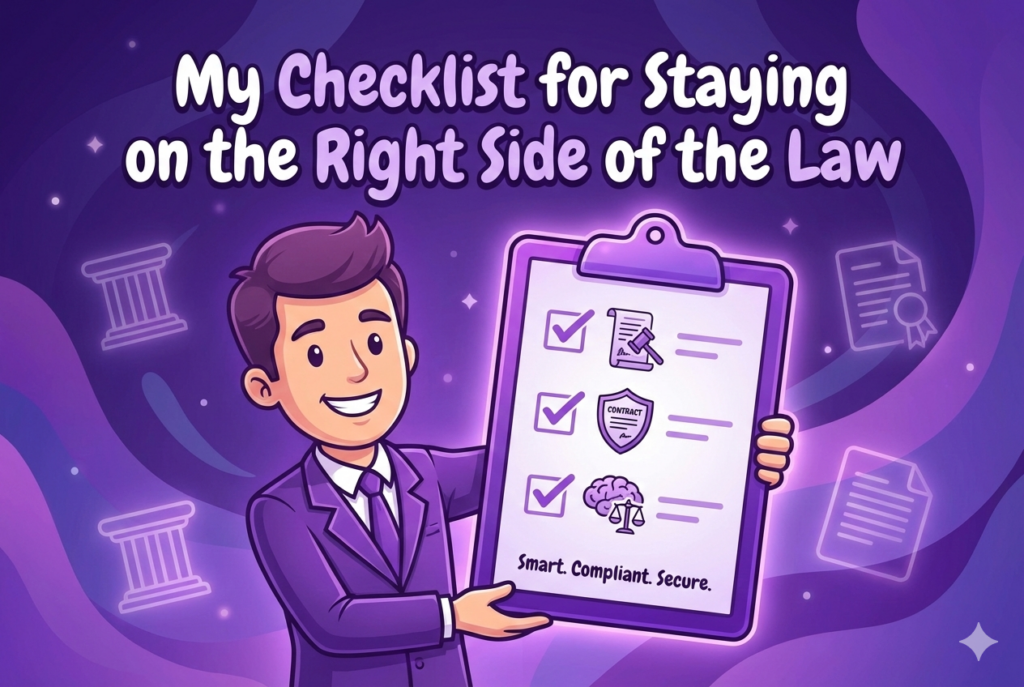
If you are just starting to audit your own systems, here is a simple list I use to keep things moving. Maintaining EHR HIPAA compliance is a marathon, not a sprint.
- Appoint a Security Officer: Even if it’s just one person wearing multiple hats, someone needs to own the responsibility.
- Enable Multi-Factor Authentication (MFA): This is the single most effective way to prevent unauthorized access.
- Review Your BAAs: Make sure every vendor you work with has an updated agreement on file.
- Conduct Monthly Mini-Audits: Don’t wait for the annual review. Check your access logs once a month to see if anything looks weird.
- Update Your Software: Outdated software is a playground for viruses. Keep your EHR and operating systems patched.
The True Cost of Non-Compliance
Let’s get real for a second. The Office for Civil Rights (OCR) doesn’t mess around. Fines for ignoring EHR HIPAA compliance can range from a few hundred dollars to millions, depending on the level of “willful neglect.”
But the money isn’t even the worst part. I’ve seen practices have to send out letters to thousands of patients admitting their data was stolen. That kind of damage to your brand is almost impossible to fix. People want to know their doctor is a safe harbor.
Looking Ahead: HIPAA in 2026 and Beyond
Regulations are always changing. As we move further into 2026, we’re seeing a bigger push for “Interoperability.” This means systems need to talk to each other better, which actually makes ehr hipaa compliance even more complex.
The more data moves, the more chances there are for things to go wrong. That’s why choosing a vendor that prioritizes security and staying educated on the latest updates is non-negotiable.
TRENDING NOW!
Having a “HIPAA-compliant” EHR doesn’t make a healthcare organization fully compliant. While EHRs store protected health information (PHI), providers are still responsible for their own privacy and security practices, like policies, staff training, and safeguards. EHR vendors meet standards, but true compliance depends on how the organization uses and protects the data. Combining an EHR with a dedicated HIPAA compliance program also helps build patient trust and engagement.
Final Thoughts from the Trenches
At the end of the day, EHR HIPAA compliance is about people. It’s about the patient who trusts you with their most intimate health struggles. It’s about the peace of mind you have knowing that an accidental click won’t bankrupt your business.
I know it feels like a lot. I’ve had those late nights staring at compliance spreadsheets too. But once you build these habits into your daily workflow, they become second nature. You start to see security not as a hurdle, but as a foundation for better care.
If you are feeling stuck, start small. Fix one thing today, maybe it’s enforcing that “no sharing passwords” rule or finally scheduling that staff training. Every step you take toward better EHR HIPAA compliance makes your practice stronger.
We are all in this together, trying to provide the best care possible while keeping the digital wolves at bay. Keep your head up, stay curious, and never stop auditing.
EHR HIPAA compliance isn’t just a regulatory checkbox, it’s a daily commitment to protecting the people behind the data and preserving the trust your practice is built on. Start small, stay consistent, and remember that every safeguard you strengthen makes your organization more resilient in a digital-first world. Join Helpsquad Health to get the support you need to stay compliant, confident, and patient-first.
How does HIPAA apply to scheduling patients and medical office appointment scheduling?
HIPAA applies anytime your team collects, views, stores, or shares patient information during scheduling patients, whether it’s in your EHR, a practice management system, voicemail, email, or texts. The blog frames the EHR as a “digital vault” and emphasizes that protecting patient data is a daily responsibility, not just a one-time checkbox.
Which of the following is a key step in scheduling an appointment (from a HIPAA perspective)?
A key step is making sure only authorized staff can access the patient record needed to schedule, then documenting access appropriately. The article highlights audit controls (knowing who accessed what and when) and automatic log-offs to reduce the risk of accidental exposure at the front desk.
What questions to ask patients when scheduling an appointment without violating HIPAA?
Ask only what you need to book the visit and contact the patient safely, then keep the details inside secure systems. If a patient starts sharing sensitive clinical details over the phone, you can redirect: confirm essentials for scheduling, then capture symptoms through your approved intake process. The article stresses that compliance is shared and depends on staff behavior and workflows, not just software features.
How to schedule patients effectively while protecting ePHI in your EHR?
Treat scheduling as part of your security workflow: use strong access controls, enable MFA, keep systems patched, and train staff consistently. The post specifically calls out MFA as a highly effective way to prevent unauthorized access, plus routine log reviews and ongoing training.
When is appointment scheduling most effective and safest for patient privacy?
It’s most effective when your team uses consistent, repeatable steps, so the “busy moments” don’t turn into privacy mistakes. The article recommends building habits (like periodic checks of access logs and not sharing credentials) so security holds up during interruptions and high volume.
What are the main types of medical appointment scheduling that can increase HIPAA risk if handled poorly?
The blog doesn’t list scheduling models (like open/stream, wave, modified wave, double-booking), but the HIPAA risk pattern is similar across types: the faster the pace and the more handoffs (calls, texts, referrals, portals), the easier it is to overexpose patient details or leave systems unlocked. The post emphasizes automatic log-offs, audit trails, and workstation security to reduce these common failure points.
Do EHR vendors handle compliance, or is my practice still responsible during scheduling patients?
Your practice is still responsible. The article directly warns against the myth that the EHR vendor “takes care of everything,” explaining that compliance is shared and depends on how your staff uses the system (password habits, logins, screens, and policies).
Where did HelpSquad get the information and guidance used in this article?
The post is written from the author’s healthcare administration perspective and organizes guidance around HIPAA’s safeguard categories (technical, administrative, physical), while referencing concepts tied to HHS/OCR expectations (like safeguards, audits/logs, risk analysis, and BAAs). For high-stakes decisions, you should also align your policies with official HIPAA rule guidance and your own risk analysis documentation.

Vlade Legaspi has spent over 6 years as an executive assistant. He loves getting creative with design, video editing, and writing. At HelpSquad, he’s part of the marketing team, helping the business grow and connect with more people. You can reach out to him on LinkedIn.